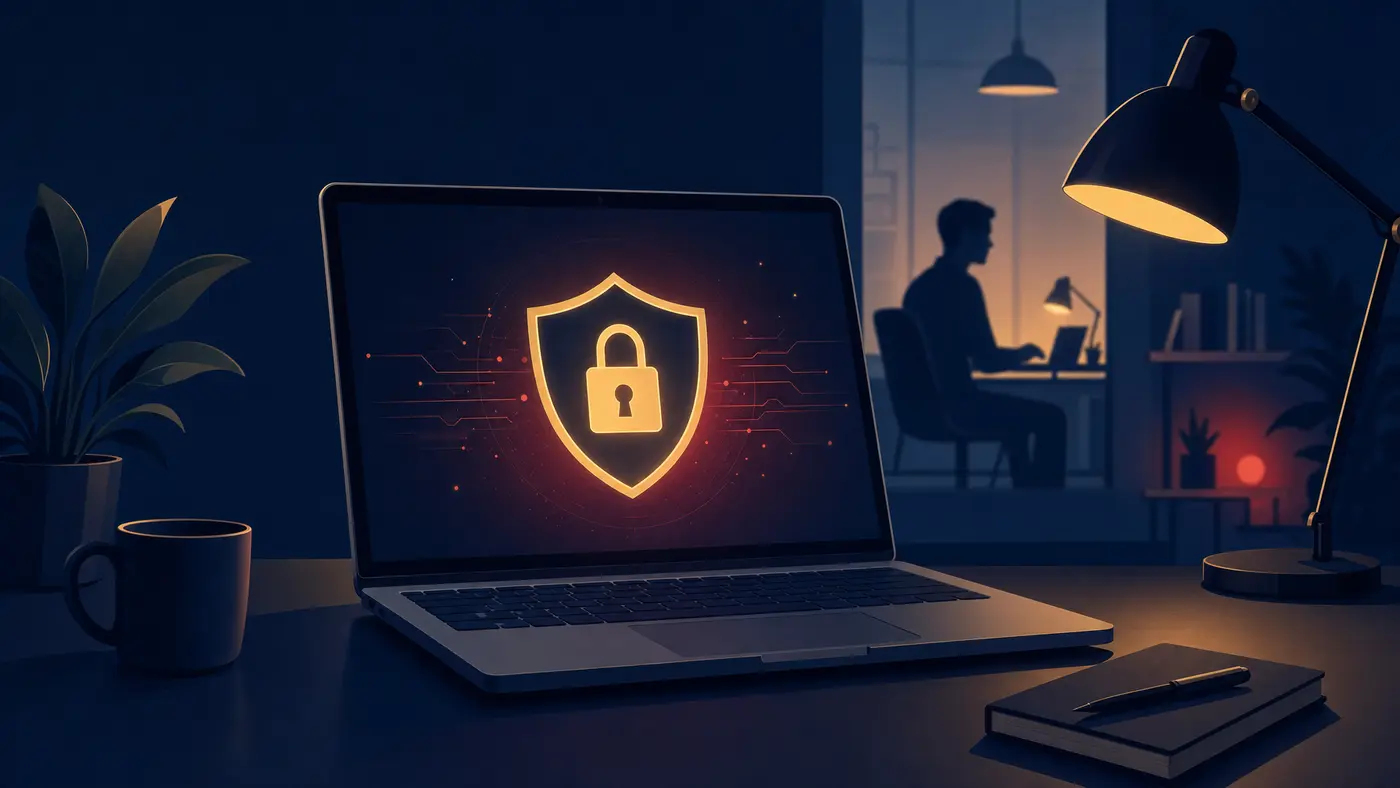
Working from home, a coffee shop, or a client site comes with a convenience trade-off: you lose the layers of protection your office network normally provides. That doesn't mean remote work is inherently unsafe — it means it requires a few deliberate habits to stay that way.
1. Use a VPN — Every Time, Not Just Sometimes
A VPN encrypts your connection so that anyone else on the same network (especially public Wi-Fi at a coffee shop or airport) can't intercept what you're sending or receiving. Get in the habit of connecting before you open anything work-related, not after you notice you're on public Wi-Fi.
2. Turn On Multi-Factor Authentication Everywhere
If a password gets phished or leaked, MFA is often the only thing standing between an attacker and your accounts. Enable it on email, file storage, VPN access, and any business application that supports it — it takes minutes to set up and stops the vast majority of account takeover attempts.
3. Keep Work and Personal Devices Separate
Using a personal laptop for work (or a work laptop for personal browsing and downloads) blurs the line between two very different risk profiles. A personal device that isn't managed or patched to business standards is a much easier target — and a much bigger problem if it's also where your work email lives.
4. Lock Your Screen, Every Single Time
It sounds almost too simple to matter, but an unlocked laptop left unattended at a coffee shop, a shared workspace, or even at home with visitors around is one of the most common ways sensitive information gets exposed. Set your device to auto-lock after a short idle period, and build the habit of locking it manually whenever you step away.
5. Be Skeptical of Unexpected Messages — Especially Urgent Ones
Phishing attempts targeting remote workers often impersonate IT support, HR, or company leadership, and lean heavily on urgency ("your account will be locked," "action required immediately"). Slow down. Verify requests for credentials, payments, or sensitive data through a separate channel — a quick phone call can save you from a costly mistake.
Remote work security isn't about being paranoid — it's about building a handful of habits that become automatic, so you're protected without having to think about it every time.
A Quick Self-Check
- Is your VPN connecting automatically, or do you have to remember to turn it on?
- Do all of your work accounts have MFA enabled — not just email?
- Is your device set to auto-lock after a short period of inactivity?
- Would you know who to call if you clicked something you shouldn't have?
If any of those gave you pause, that's a good place to start. For a deeper look at the tools behind these habits, see our breakdown of firewalls, VPNs, and IPS solutions.
Your Employer's Role
Individual habits matter, but they work best paired with company-level protections: managed VPN access, endpoint security on company devices, and clear policies about what can and can't be done on personal equipment. If your business supports remote or hybrid staff without those pieces in place, it's worth a conversation.